

After mapping the AI ecosystem in our previous guide, it’s time to get specific. Because while frameworks help, real value comes from understanding how each platform actually operates. Gemini is where Google’s AI ecosystem comes into focus but understanding it isn’t always straightforward.
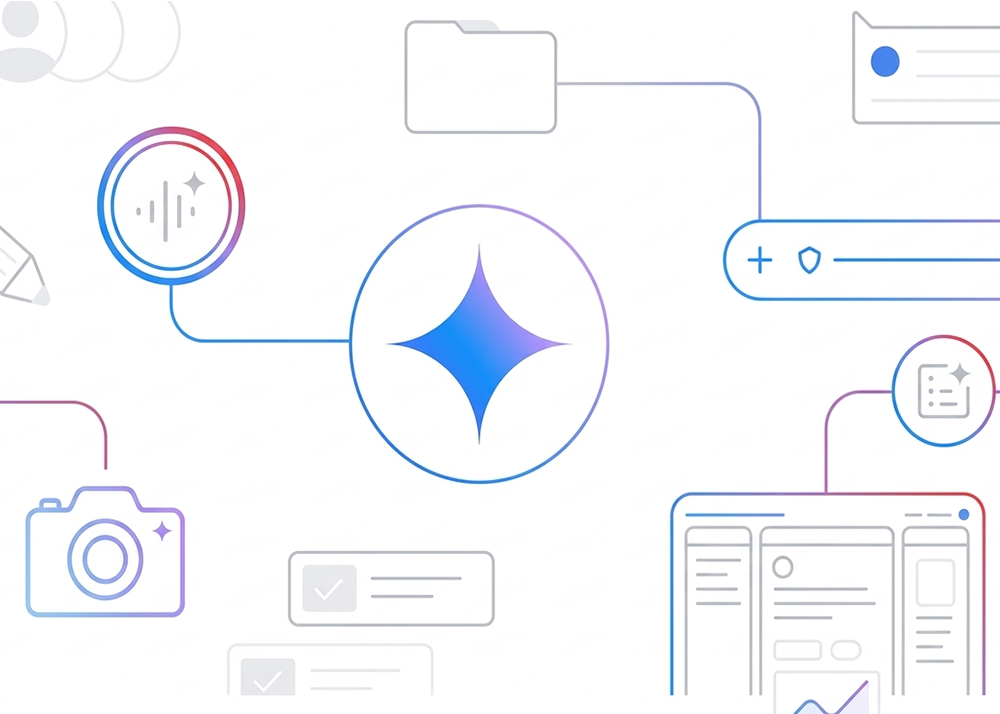
While google names everything like a product launch, Gemini isn’t a single tool, but a hub that connects multiple AI capabilities under one interface. To keep it simple, it is the brain.
The core engines (The “brain”):
Gemini isn’t just one model; it’s a hierarchy of intelligence that you choose based on your needs:
- Gemini 3 Flash: The “speedster.” It’s optimised for high-volume, low-latency tasks (like real-time chat or quick summaries).
- Gemini 3 Pro: The “scholar.” It has deep reasoning and handles complex, multi-step planning and large-scale creative projects.
- Gemini 3 Ultra: This is the largest, most capable model for the most intense “frontier” tasks.
- Gemini 3 Deep Think: A specialised mode for Ultra subscribers designed for extreme problem-solving in science and engineering.
The creative tools (The “media” models):
These are the specialised engines that “know” how to build specific types of media, all guided by Gemini’s reasoning.
- Veo 3.1 (Video): Google’s cinematic video model. It creates 4K video clips with synchronized audio (dialogue and sound effects) that actually match the movement.
- Nano Banana 2 (Images): This replaced the older Imagen models. It’s an “image reasoning” model that can follow incredibly complex instructions, like rendering specific text or following a brand’s style guide across multiple images.
- Lyria 3 (Music): The audio engine. It can compose full 3-minute songs with vocals, verses, and choruses in dozens of languages.
The professional toolsets (The “workshops”)
This is where the user gets to interact with the tech with more precision and personalisation.
- Flow: It’s an AI filmmaking studio. Instead of just one-off prompts, users can use Flow to manage “ingredients” (characters, locations, scripts) to build a consistent story.
- NotebookLM: The “research assistant.” Users can upload their own documents, and it creates a private AI that only knows your data. It can even generate a “Deep Dive” podcast-style audio overview of your notes.
Once you understand the system, the question shifts from what these tools are to how they show up in practice and more importantly, when to reach for each of them.
Knowing the tools is one thing. Knowing how and when to use them is where the real advantage lies.