


Spotify is rolling out updates to its free experience globally, giving listeners more freedom to play, explore, and share the music and podcasts they love.
With these enhancements, free users now have more control over their listening journeys, whether they’re discovering new tracks, diving into editorial playlists curated by Spotify’s global experts, or connecting with friends through shared music moments.
Here’s what’s new on Spotify’s Free Experience:
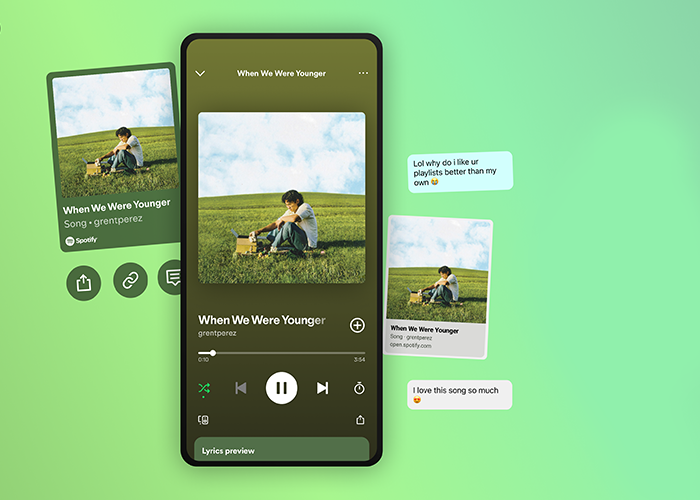
- Pick & Play: Got a nagging earworm? Hit play in the Spotify app, and you can pick and play any song you want.
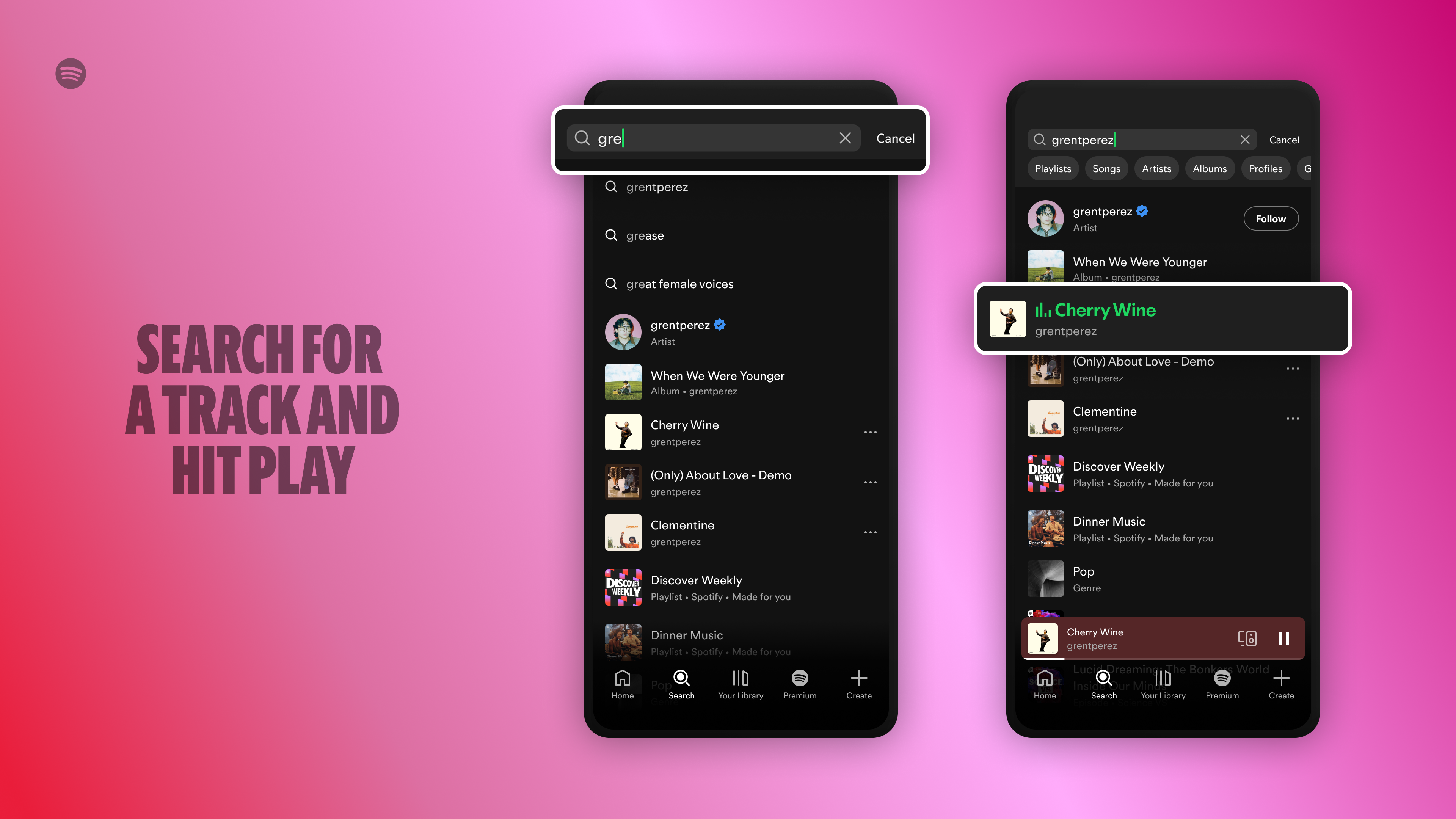
- Search & Play: Type in your favourite track and start listening instantly.
- Share & Play: Love sharing your favourite tracks with friends? Has an artist shared a new track on social that you want to hear? Tap to listen right away.
How to make the most of Spotify’s free experience
Discover the power of playlists.
Users can listen to songs they love for free via personalised playlists, through editorial playlists curated by the in-house music experts, or by making their own. And the best part: the more music and podcasts they enjoy, the more Spotify can personalise recommendations to help you discover even more songs, artists, and podcasts.
Soundtrack your daily mood with Daylist.
As users develop daily listening habits on Spotify, Daylist, a one-of-a-kind playlist, understands and reflects what types of music user like to listen to during particular moments in the day or on specific days of the week. Users on the free experience around the world will find their daylists regularly updating with different songs and titles. If, for example, users are looking for songs that match their mood from sunup to sundown, Daylist has them covered.
Expand your musical horizons.
Discover Weekly brings users a fresh mix of personalised recommendations every week based on what they’ve been listening to, and the more they use Spotify, the better we get at finding the right tracks for them.
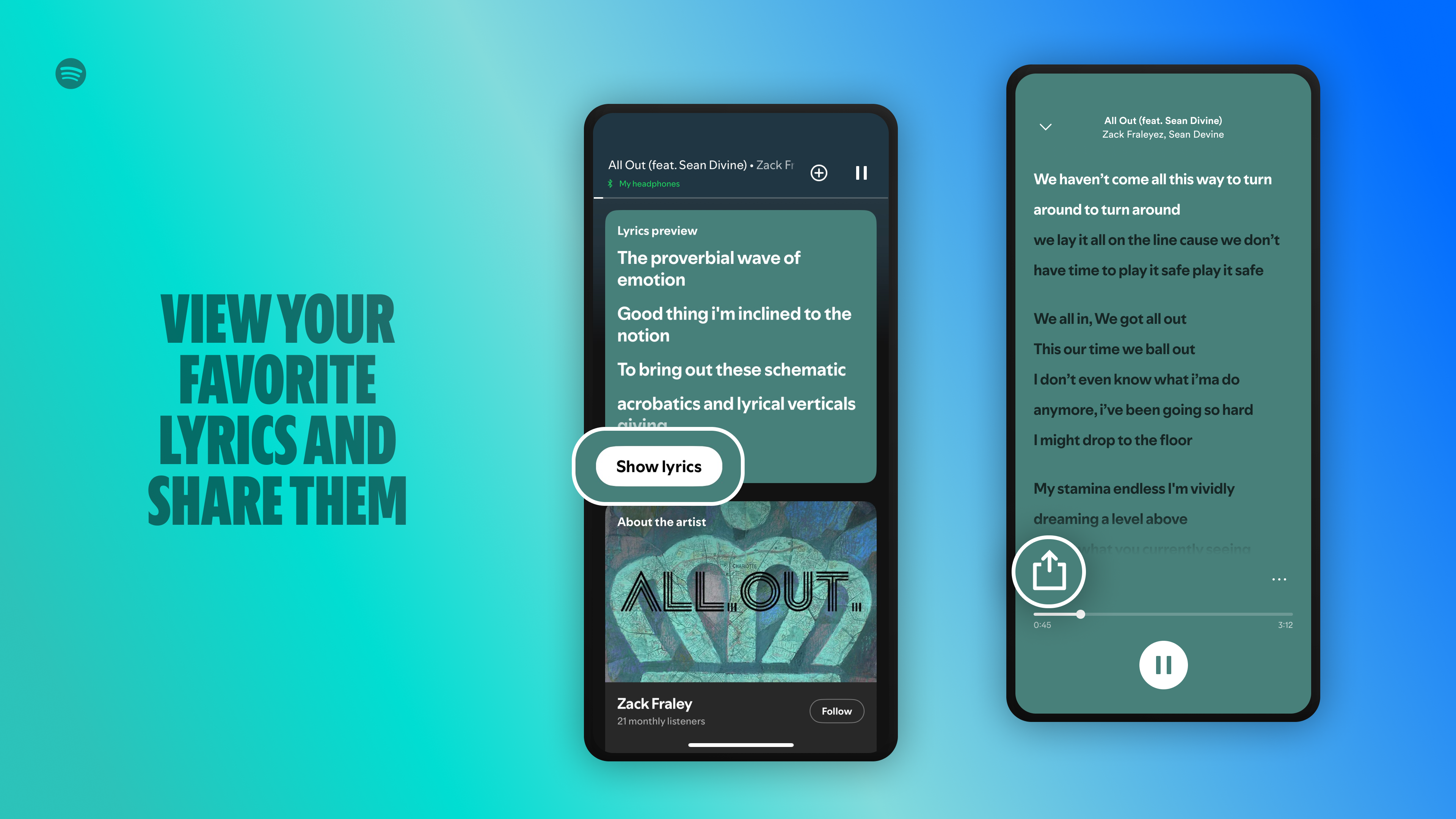
With lyrics, you can connect to the song you’re listening to on a deeper level and explore the meaning behind each song. When listening to a song with available lyrics, you can swipe up from the bottom of the Now Playing View in the Spotify mobile app to display the track’s lyrics, which scroll line by line in real time as the song plays.